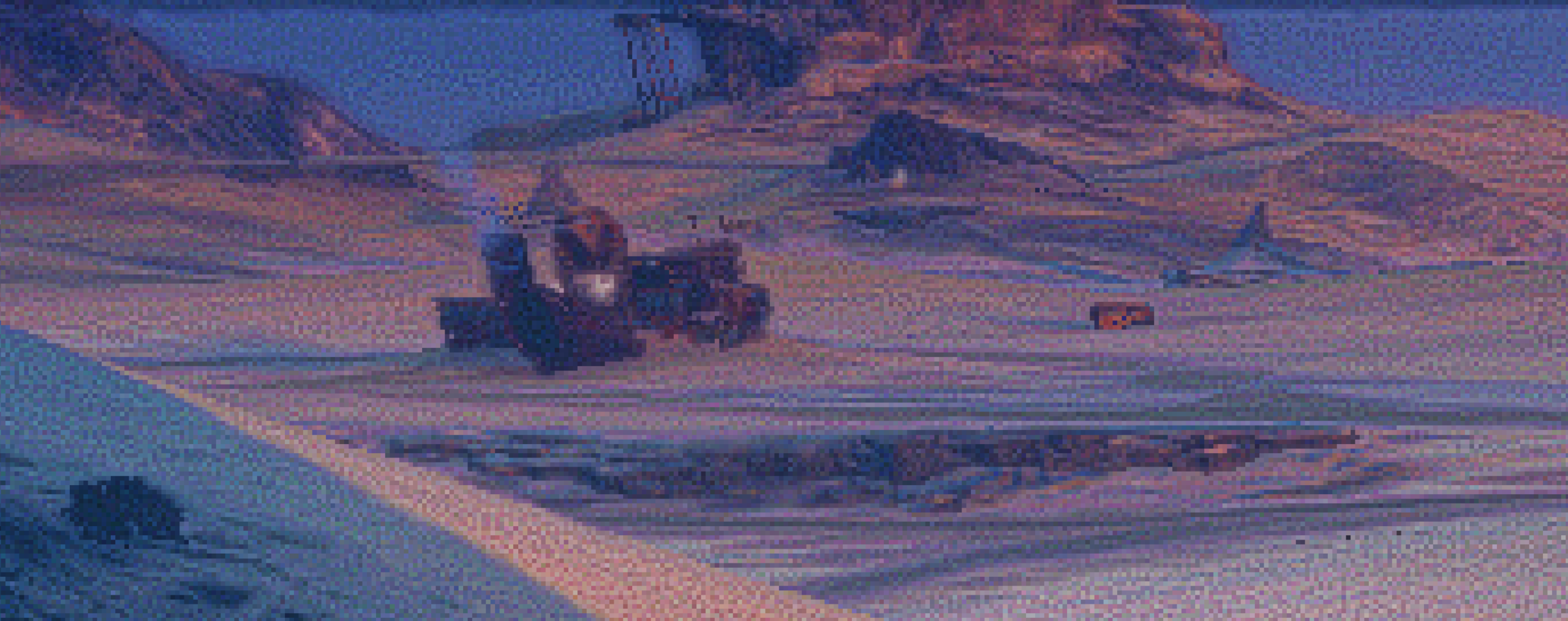
LightSight
Download & Try for Yourself :
LightSight_reshade_6pack_260909
How To Install:
Download Reshade from Reshade.me
Install it to your desired software/game before extracting Lightsight.
Extract the Lightsight .zip into that folder replacing everything with what’s in the .zip.
I set Numpad 8 for the Reshade Menu,
Numpad 5 to toggle Reshade off/on
Numpad 9 to Screenshot saving before/after files
I now have 3 versions of Lightsight in that .zip, the Video one is the most balanced for all use, most true to source light depth and color. the VG is good for games, though Exposure usually requires fine tuning to get the light matched (some games vary their own difference). SWBFII is my lightsight for Star Wars Battlefront II. it’s a good balance on another kind for games.
Adjustments:
ToneMap fx: Exposure to dial in the light white point to be correct. it can vary from game to game. gamma and saturation in that same plugin are good.
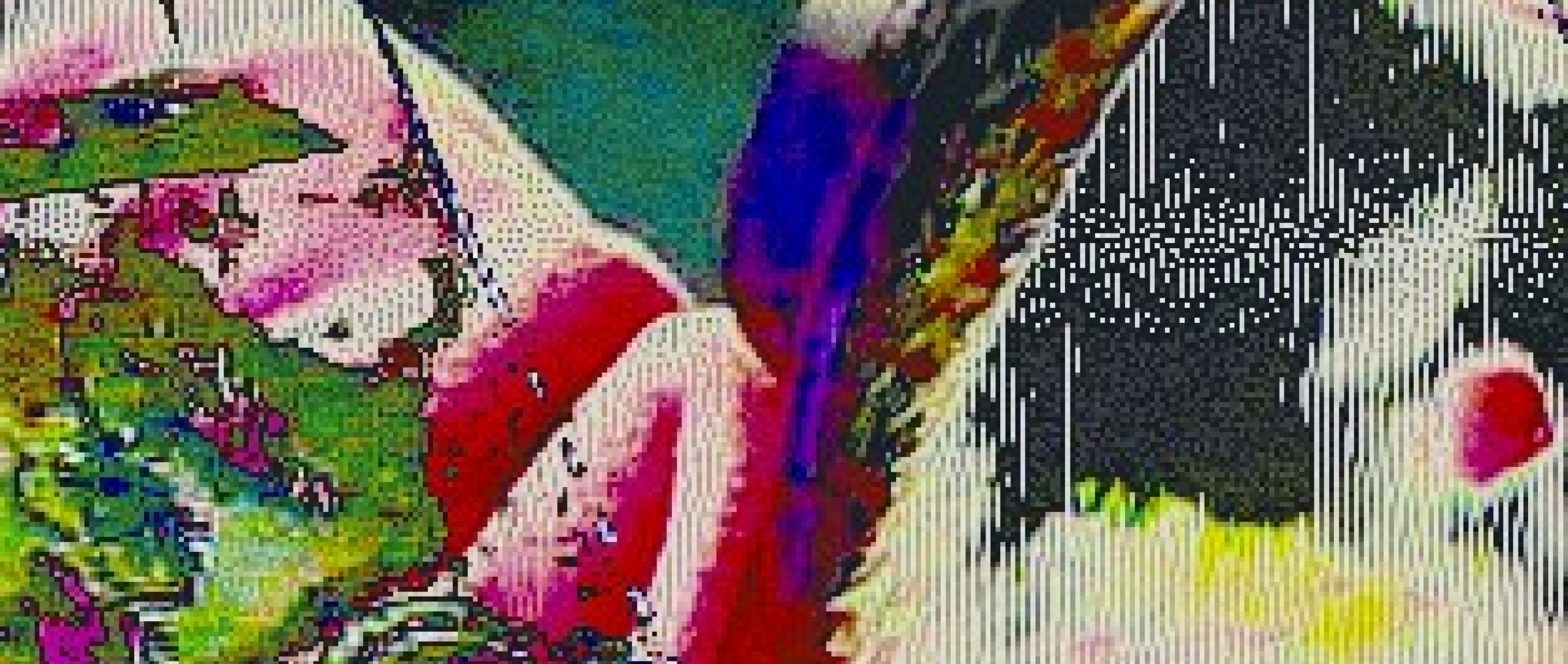
Levels fx: black point and white point are already pretty well set in there, but turn on its debug mode to ensure the black and white are blue and red correctly so the brightest white is truly white. light sense needs that. the black i’d say adjust to taste and/or visibility. then de-check the debug so it’s not covering your screen with blue & yellowreds anymore
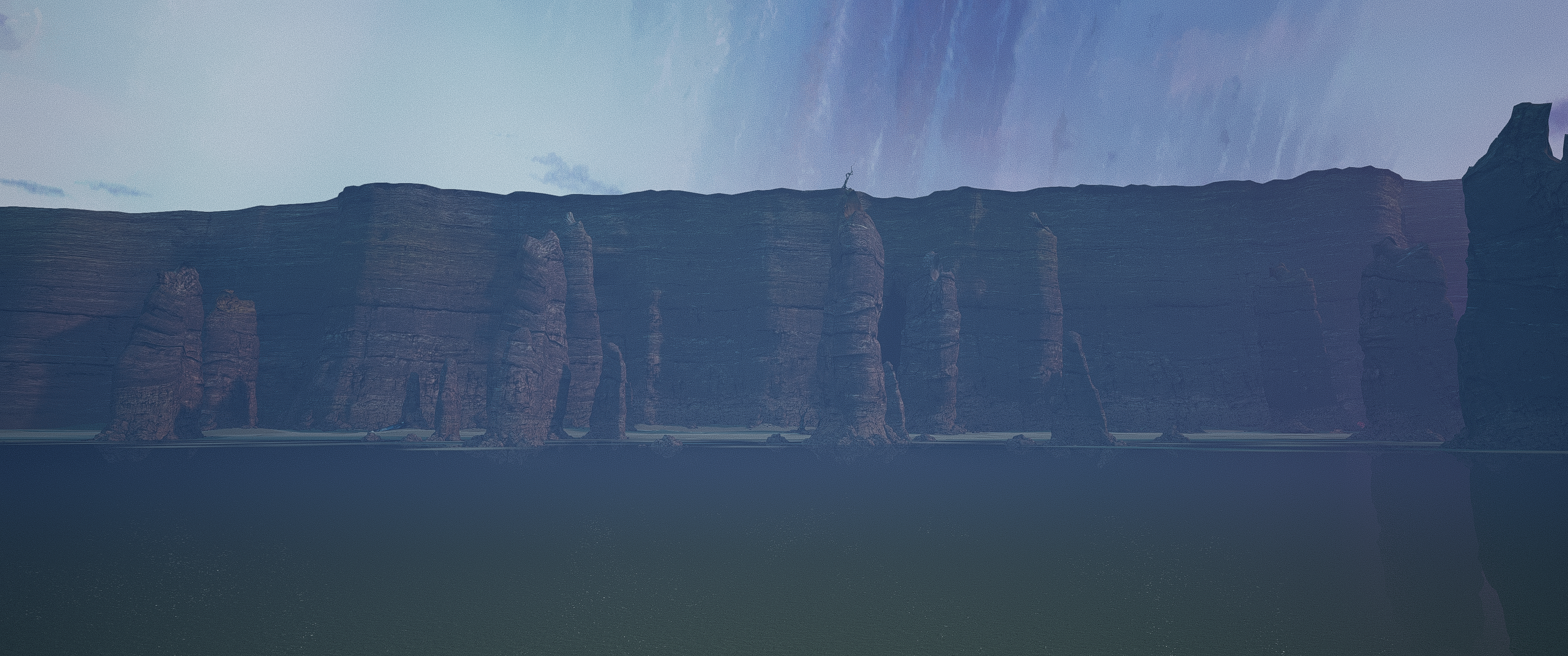
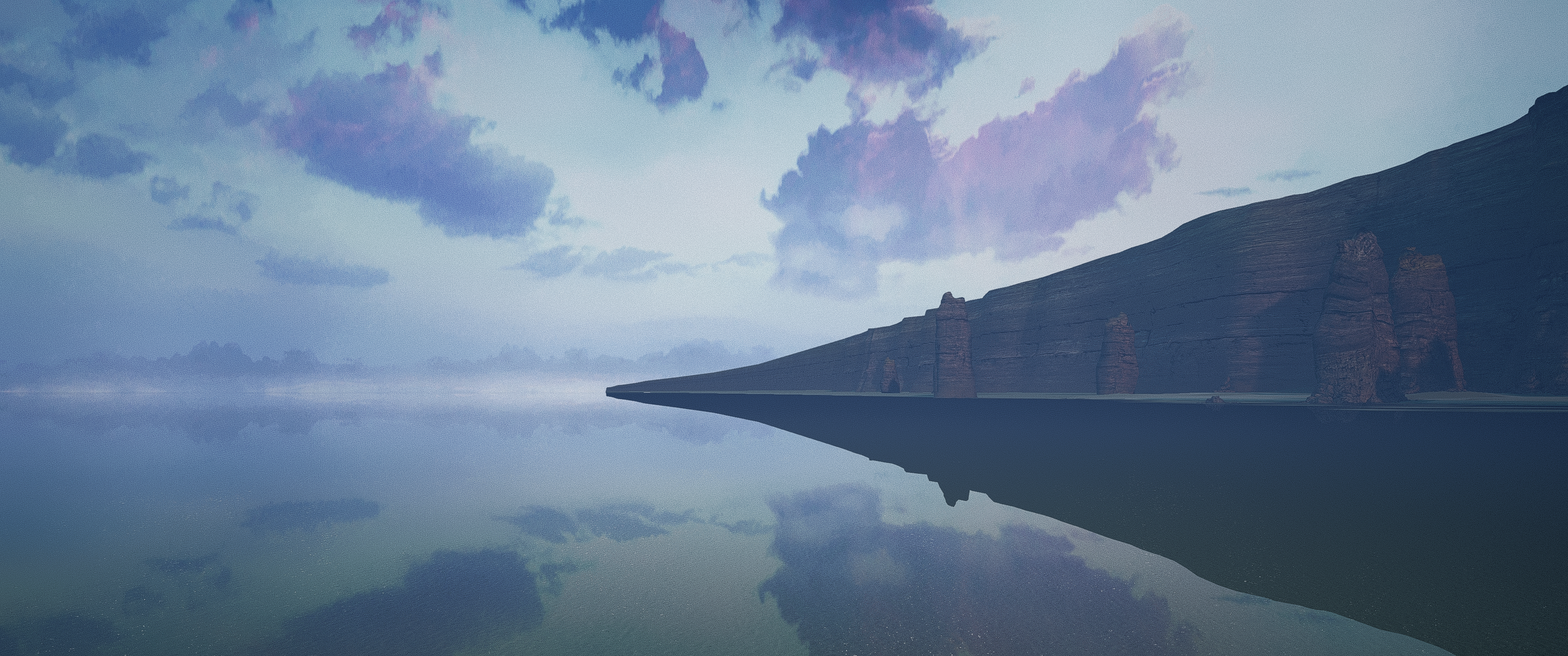
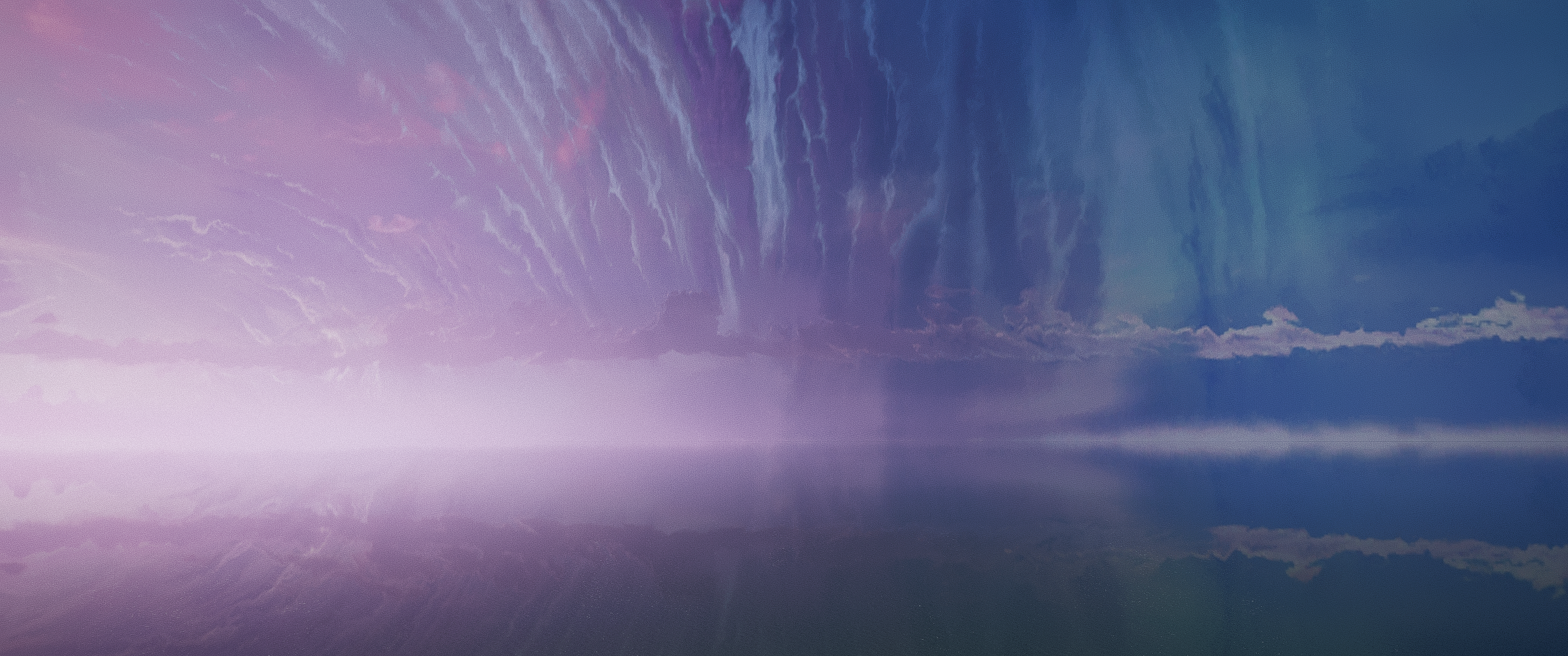
LightSight is a Reshade Preset I have been shaping into form on my free time over the past handful of years.
Lightsight aims to utilize every pixel your monitor has to offer in a balanced range of noise that displays the game faithfully yet stylistically clear & dynamic.
LightSight is the uniform quality with good performance.
With LightSight in place, certain graphical settings
don’t need to be set as high as possible in order to get good results.
Some games, even at max settings have quirks in rendering that make it
feel like a view-port of 3d assets, less than an immersive experience.
Lightsight transforms that, & not only ‘masks’ certain artifacts,
but also with the pixels being embraced rather than smeared away, the
process is compatible even in lower resolutions.
so far the results are better fit for games than videos, but sometimes the video can translate nicely. It really varies by quality, resolution, artifacts in the files, things like that.
I do this because I find we can more fully utilize our screen for a better image with minimal processing power needed to do so.
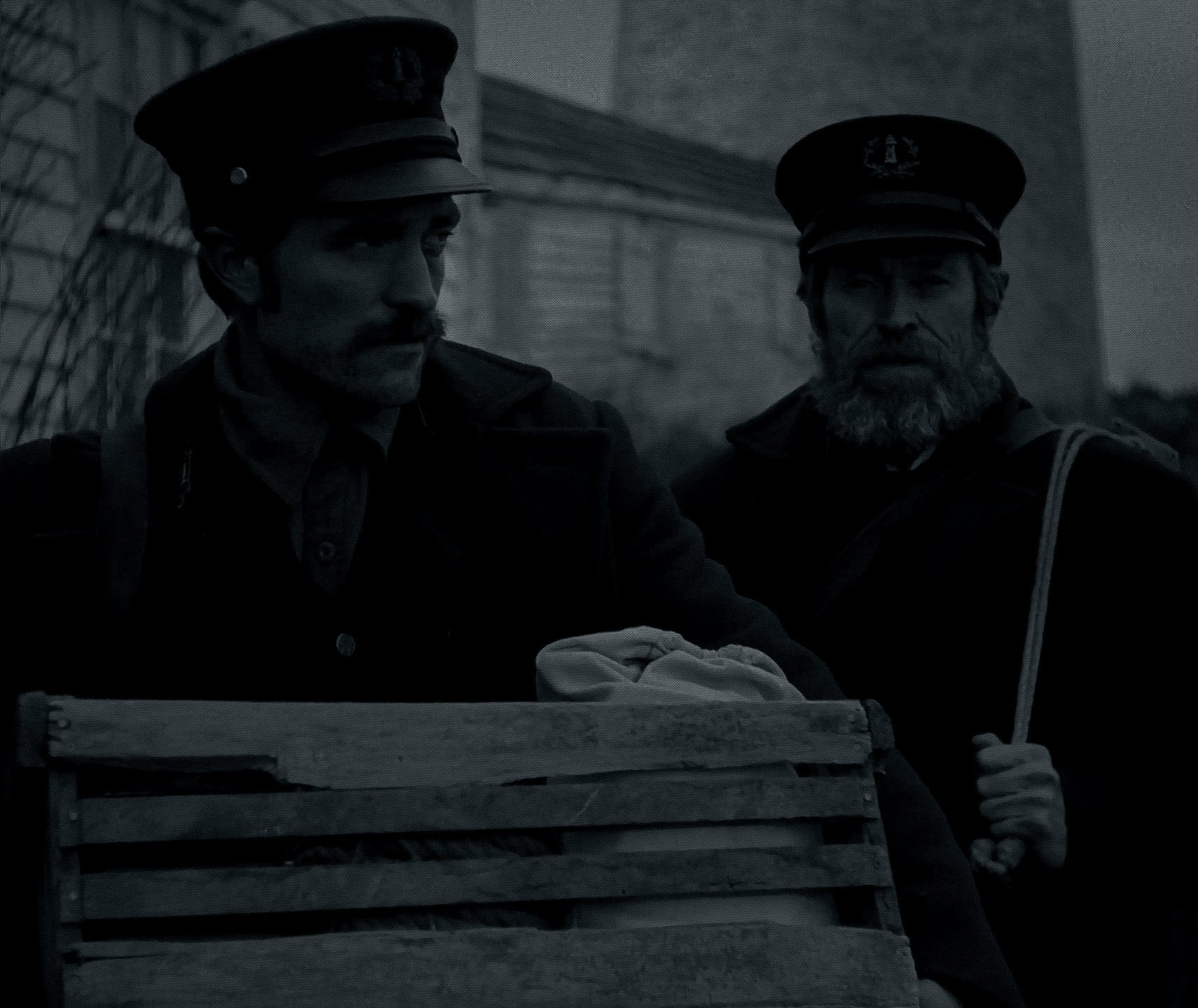
I find it brings new life into older games. New Immersion for movies using real film.
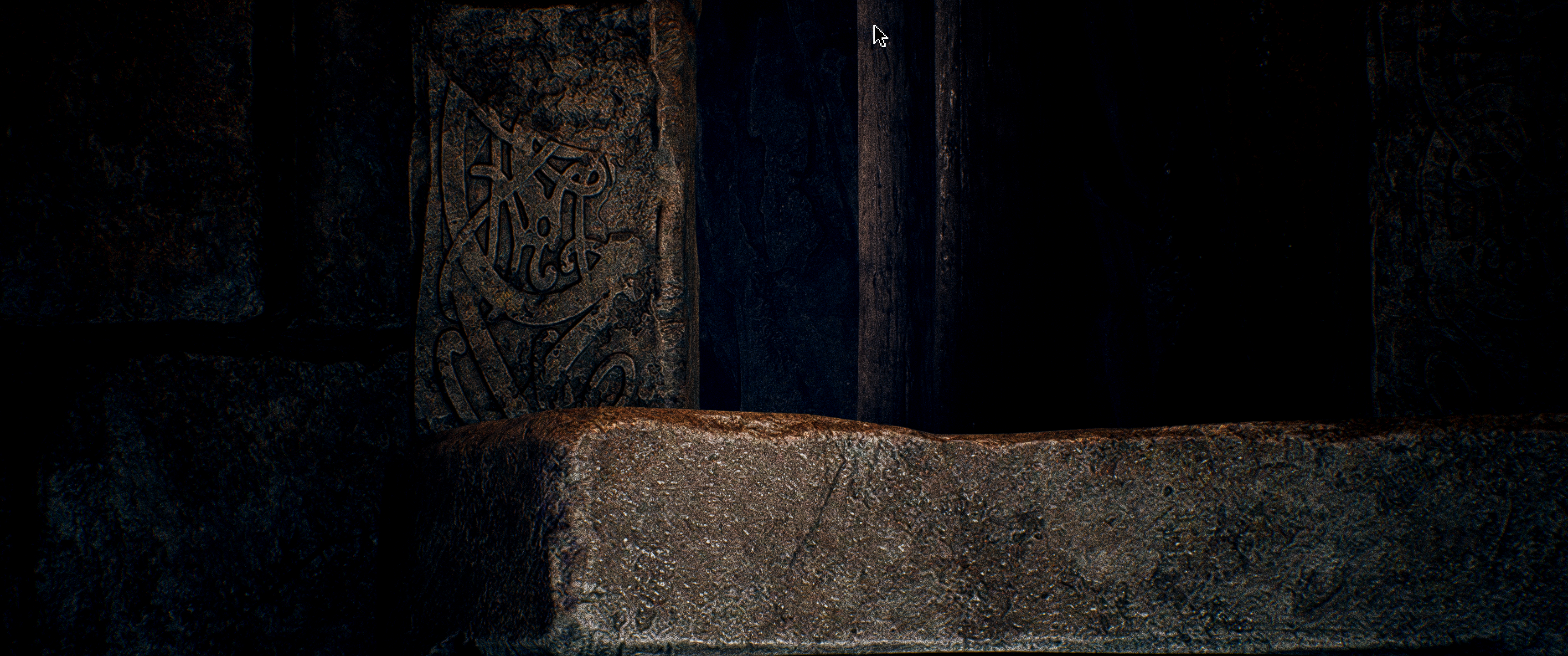
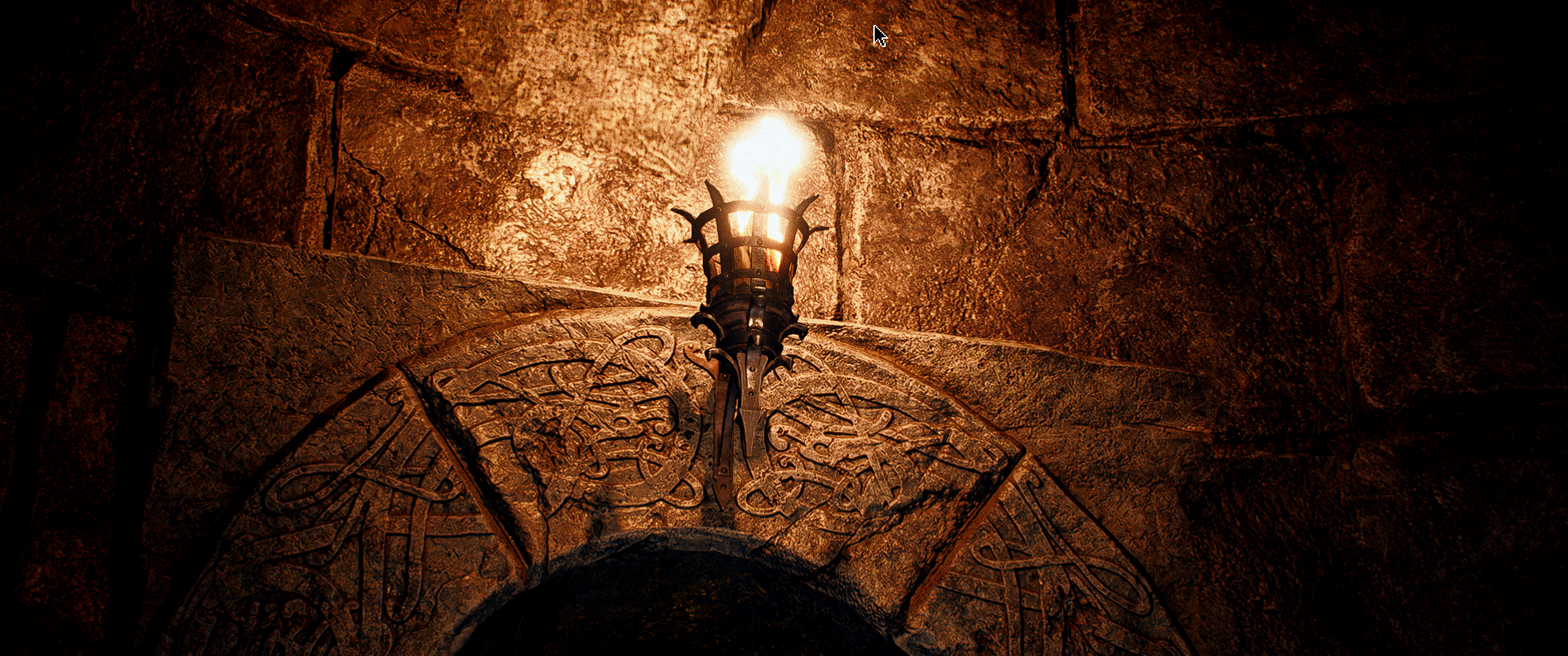
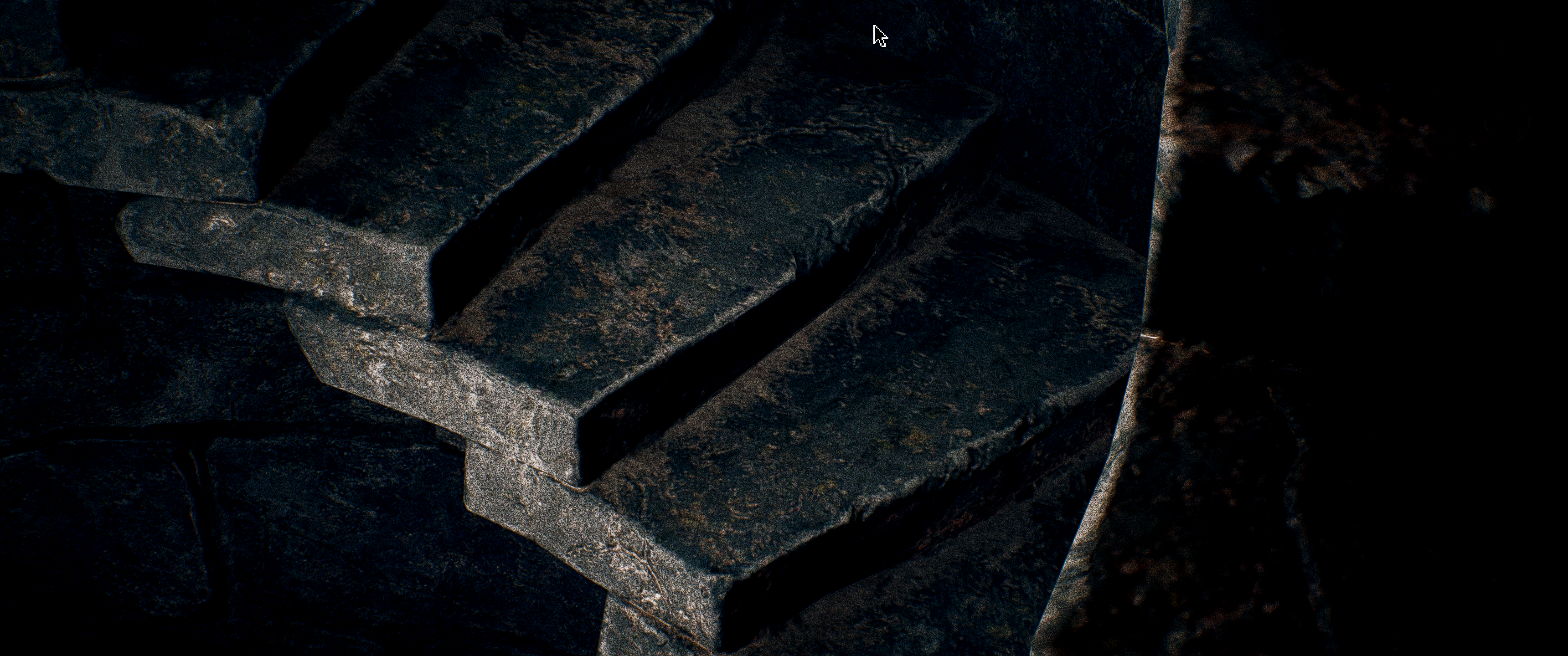
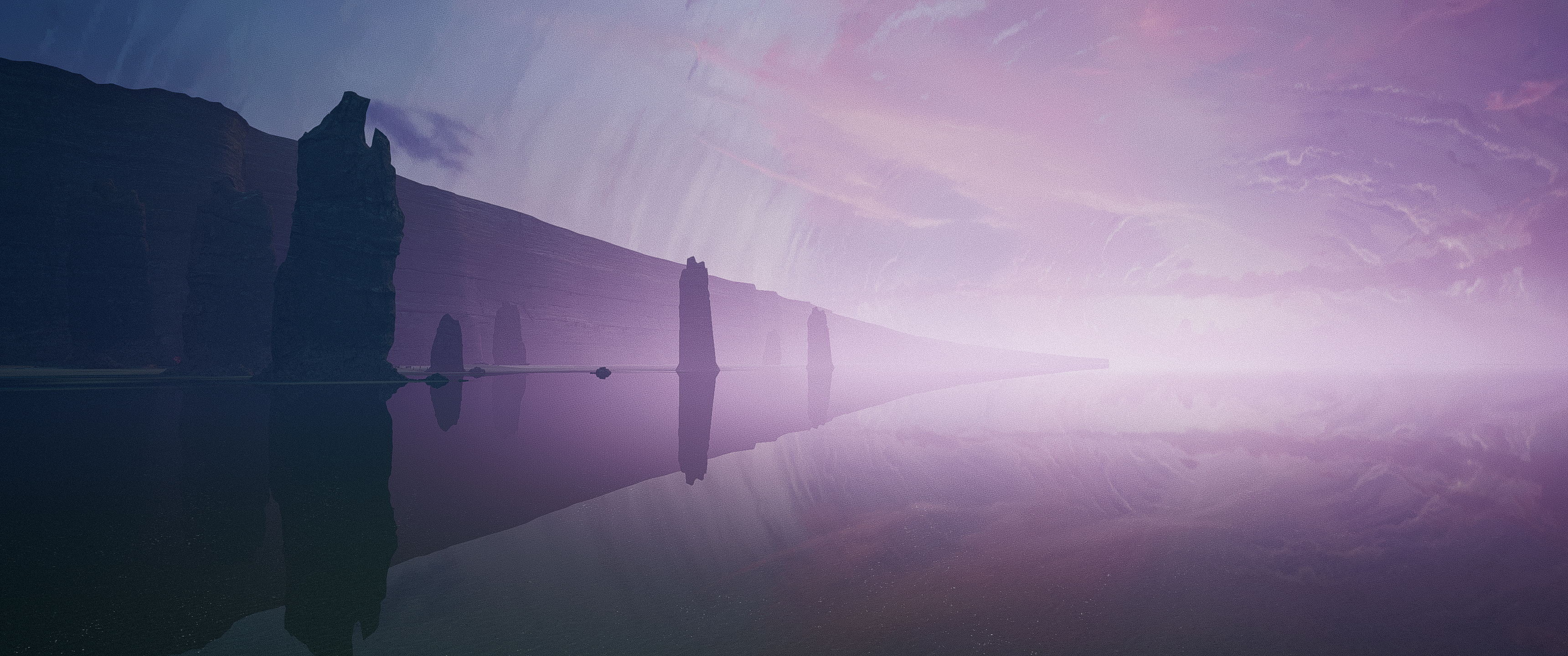
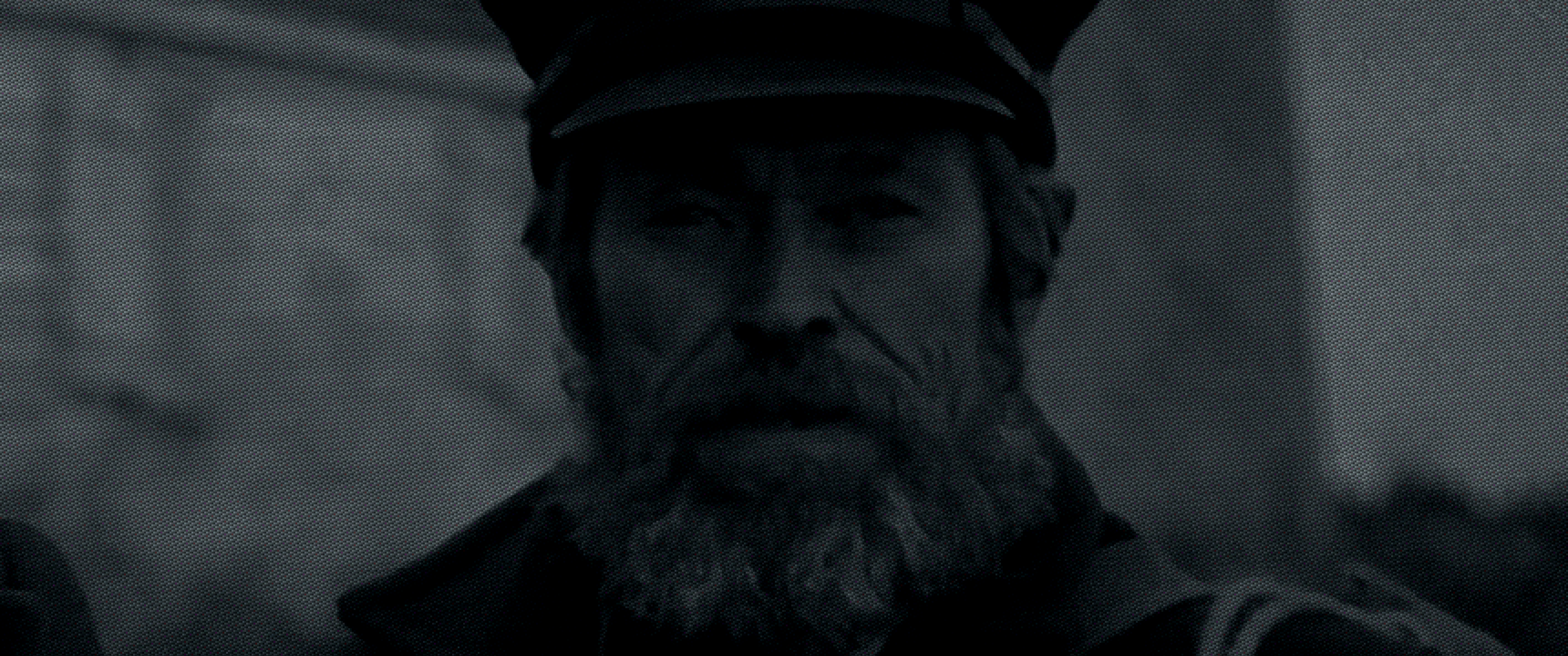
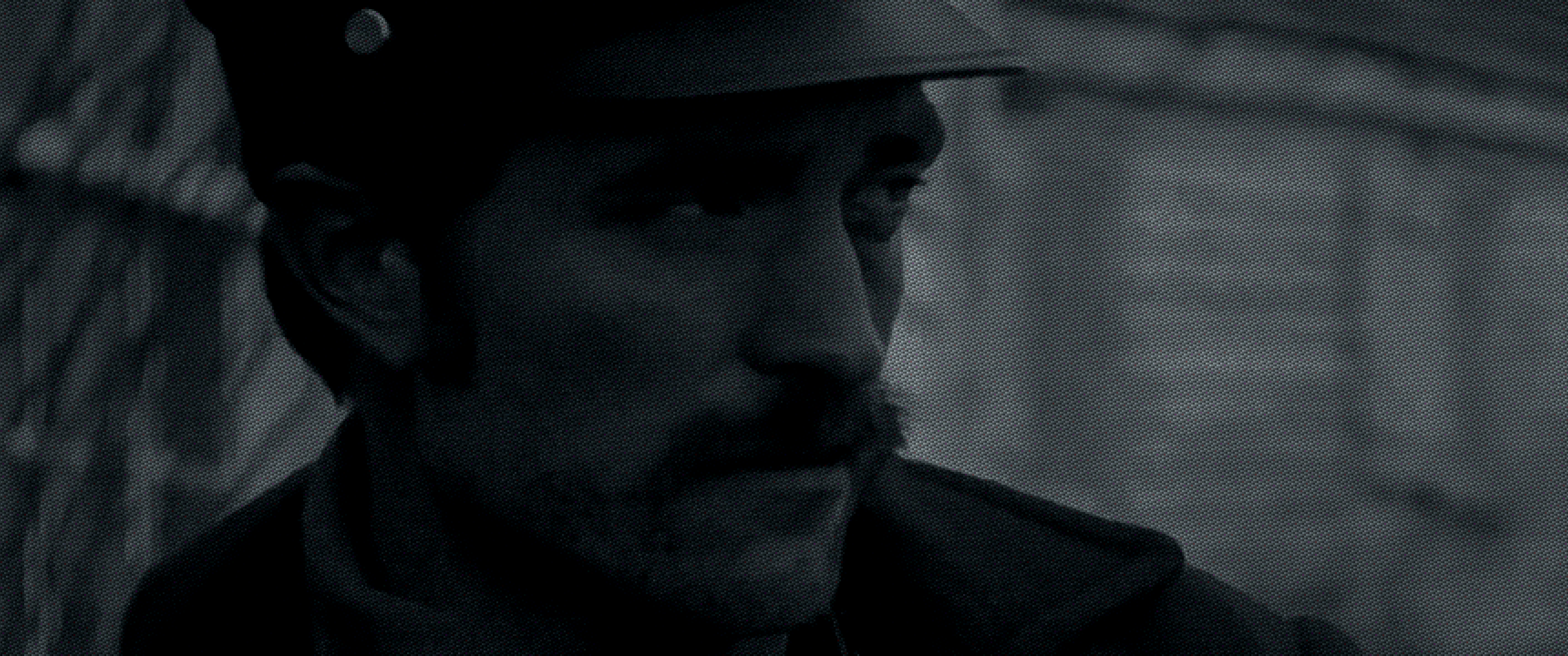
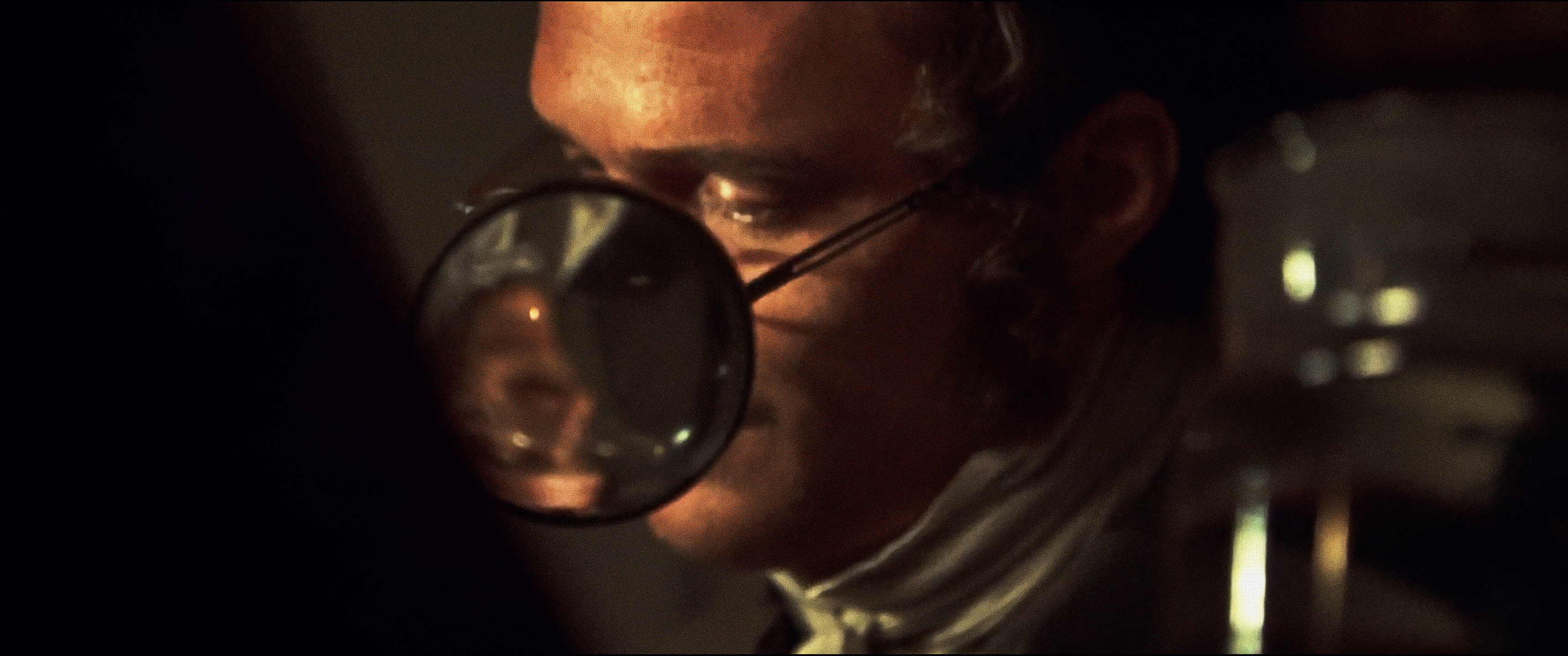
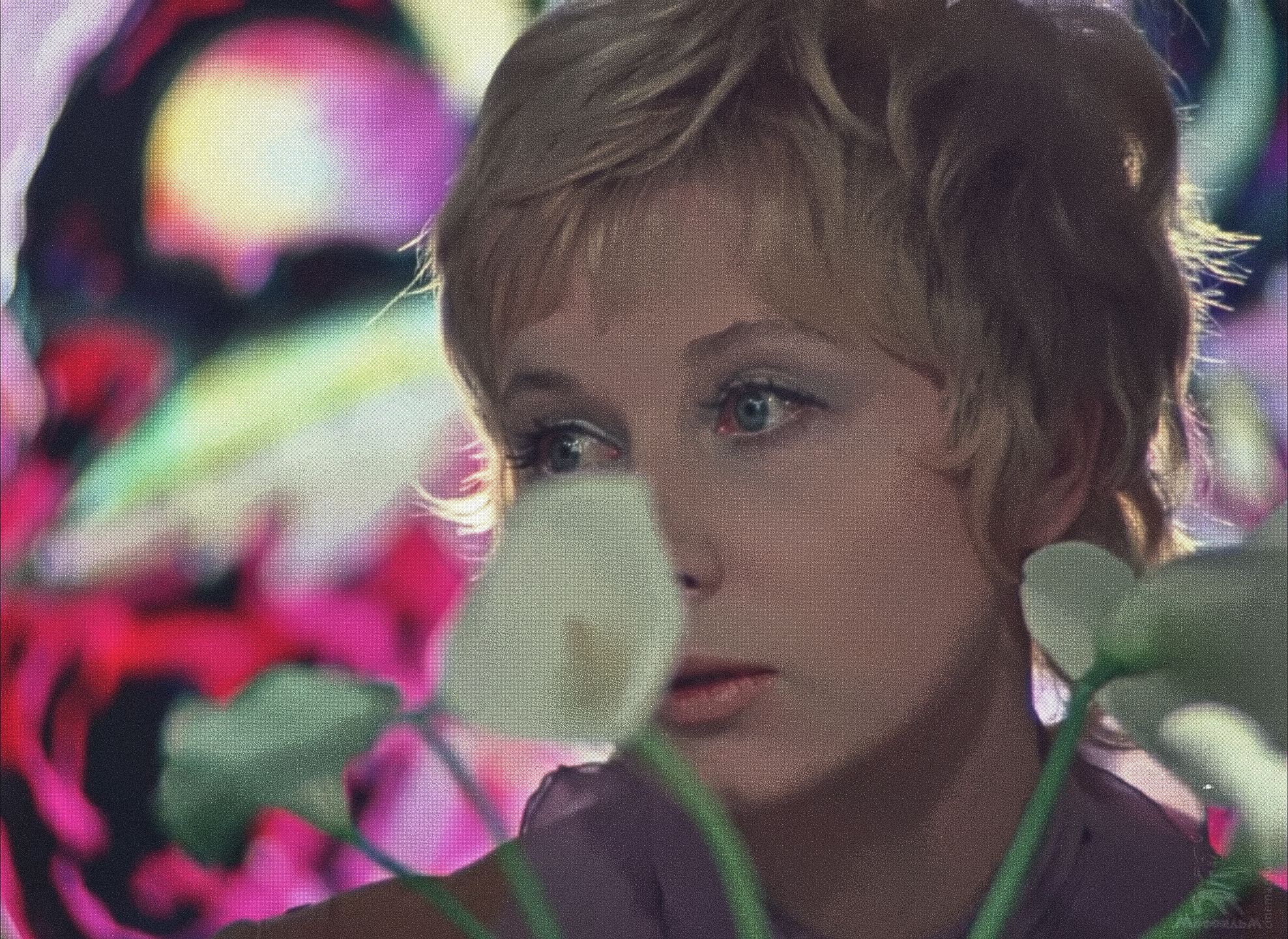
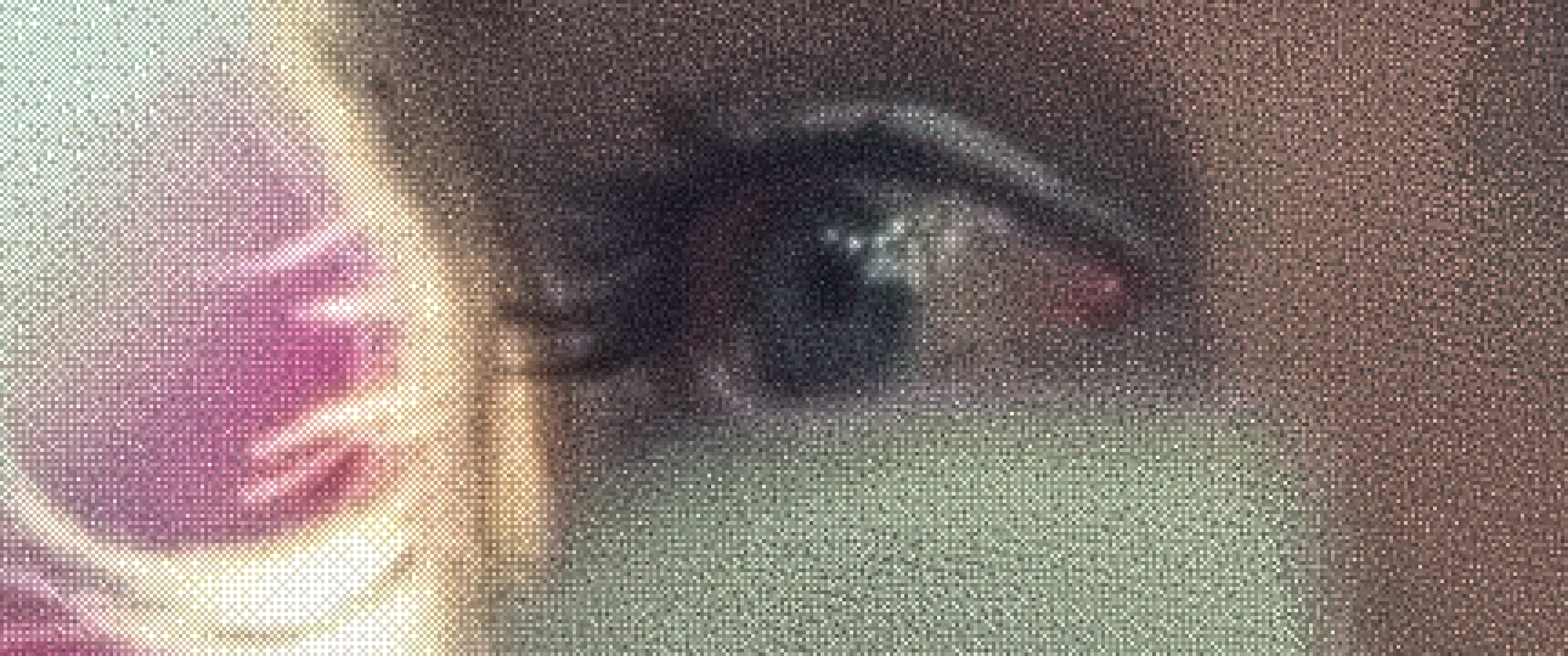
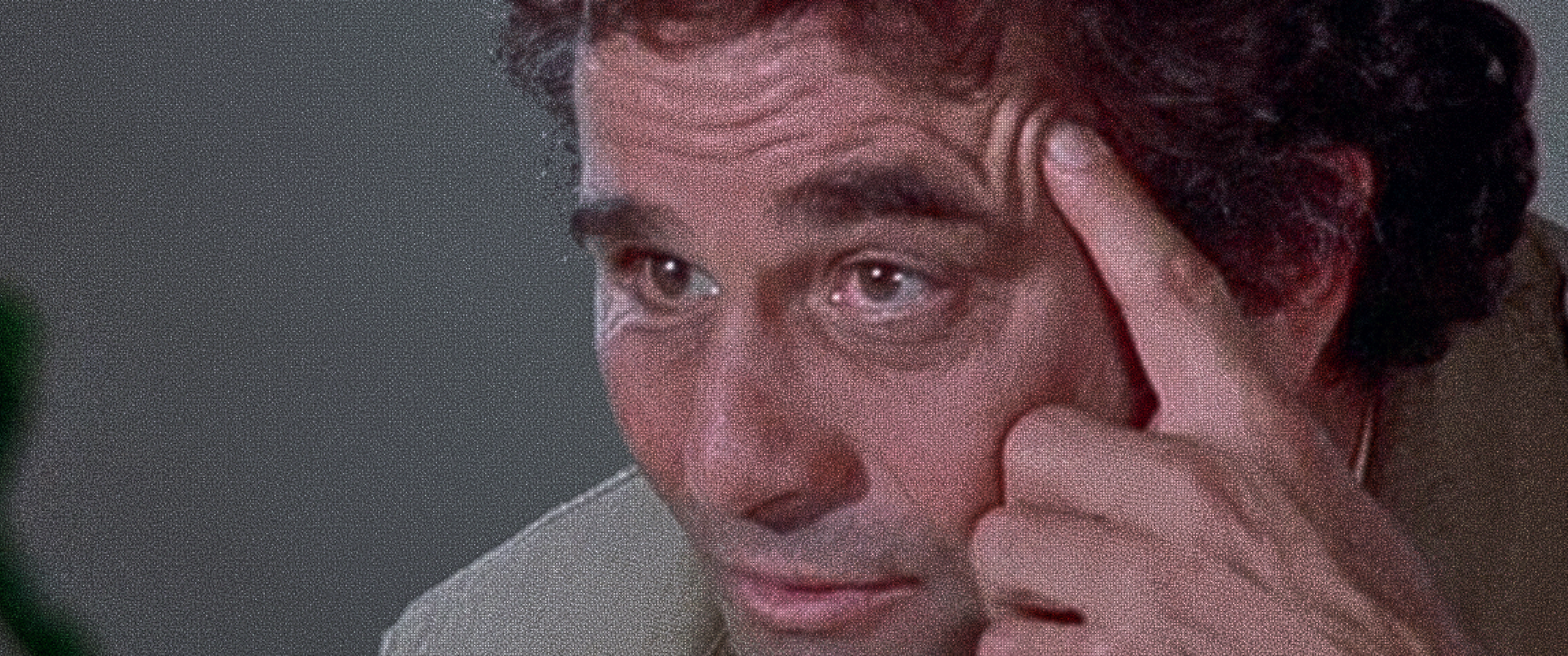
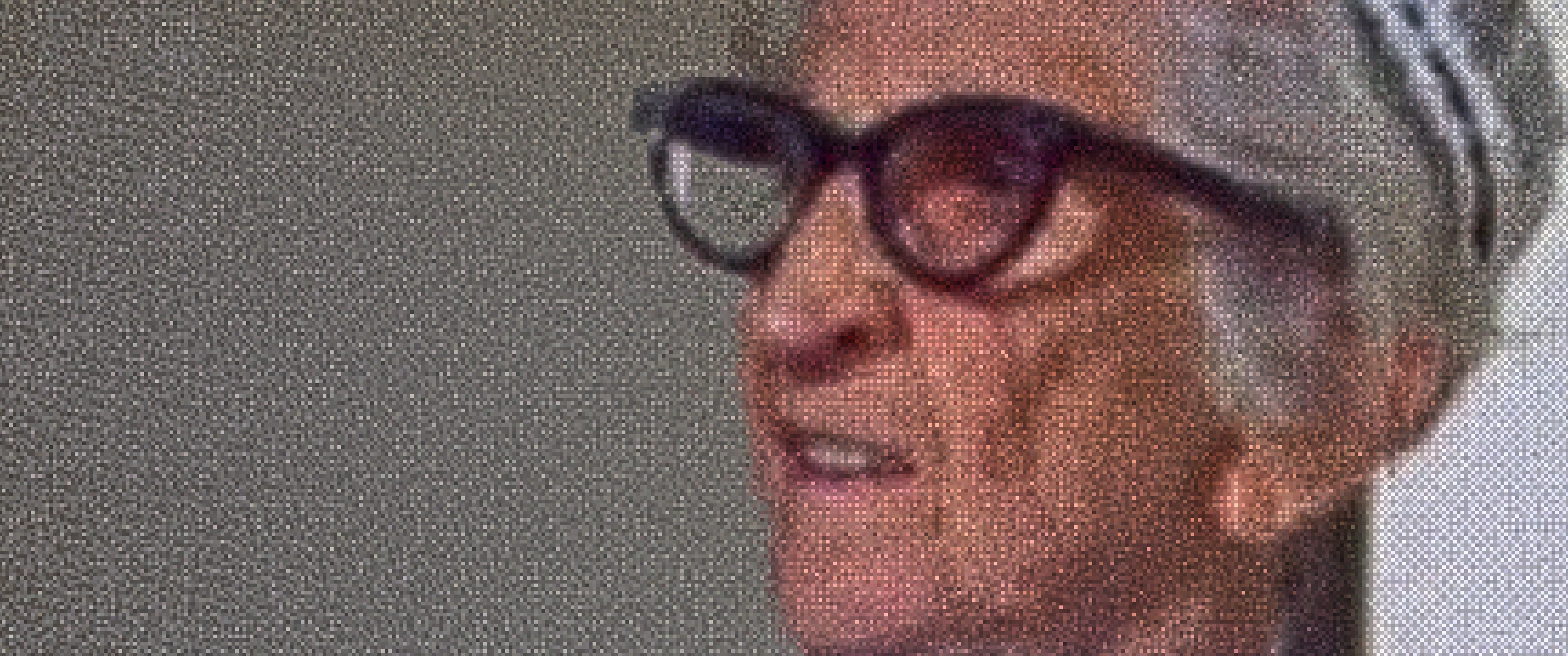
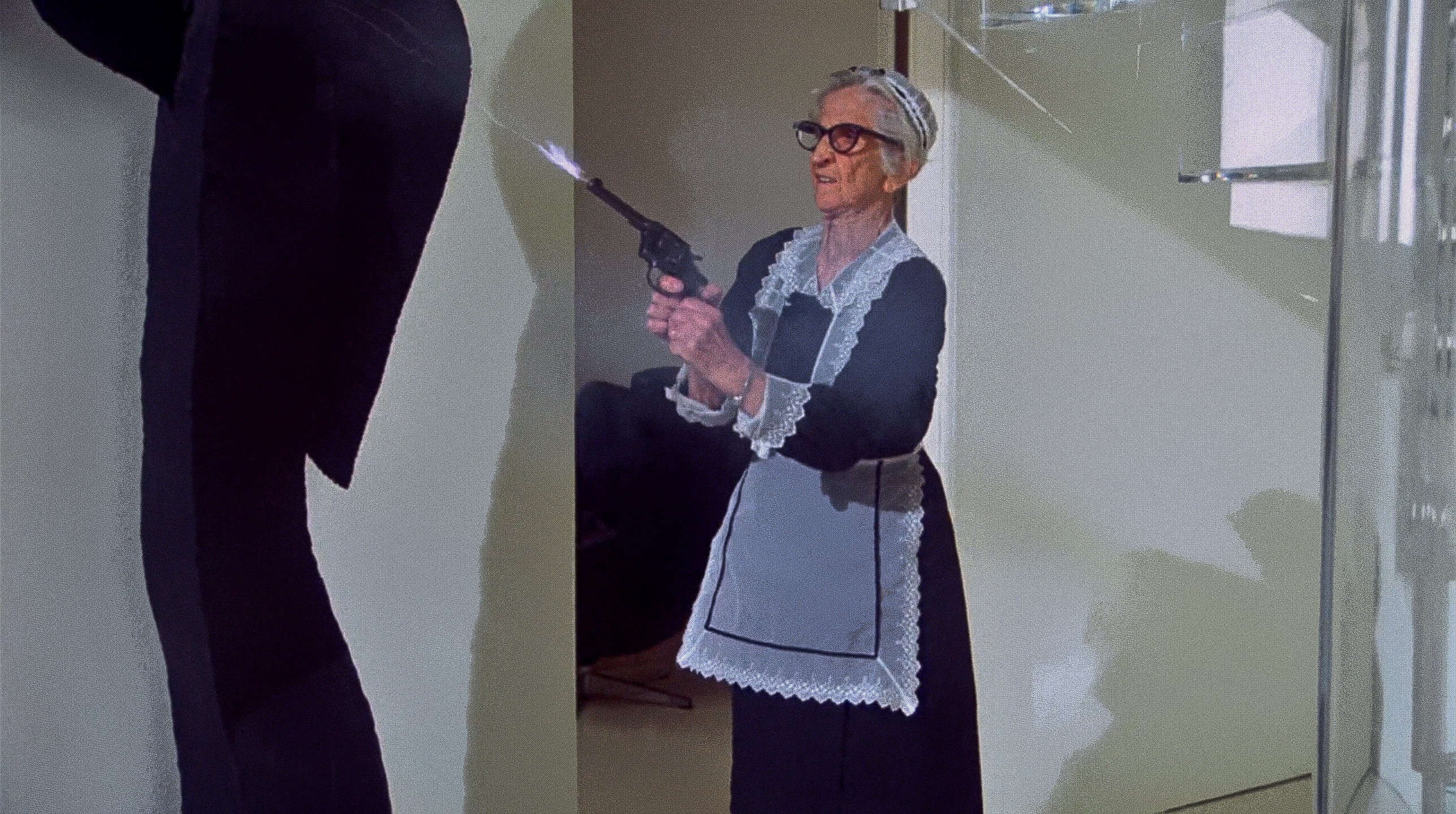
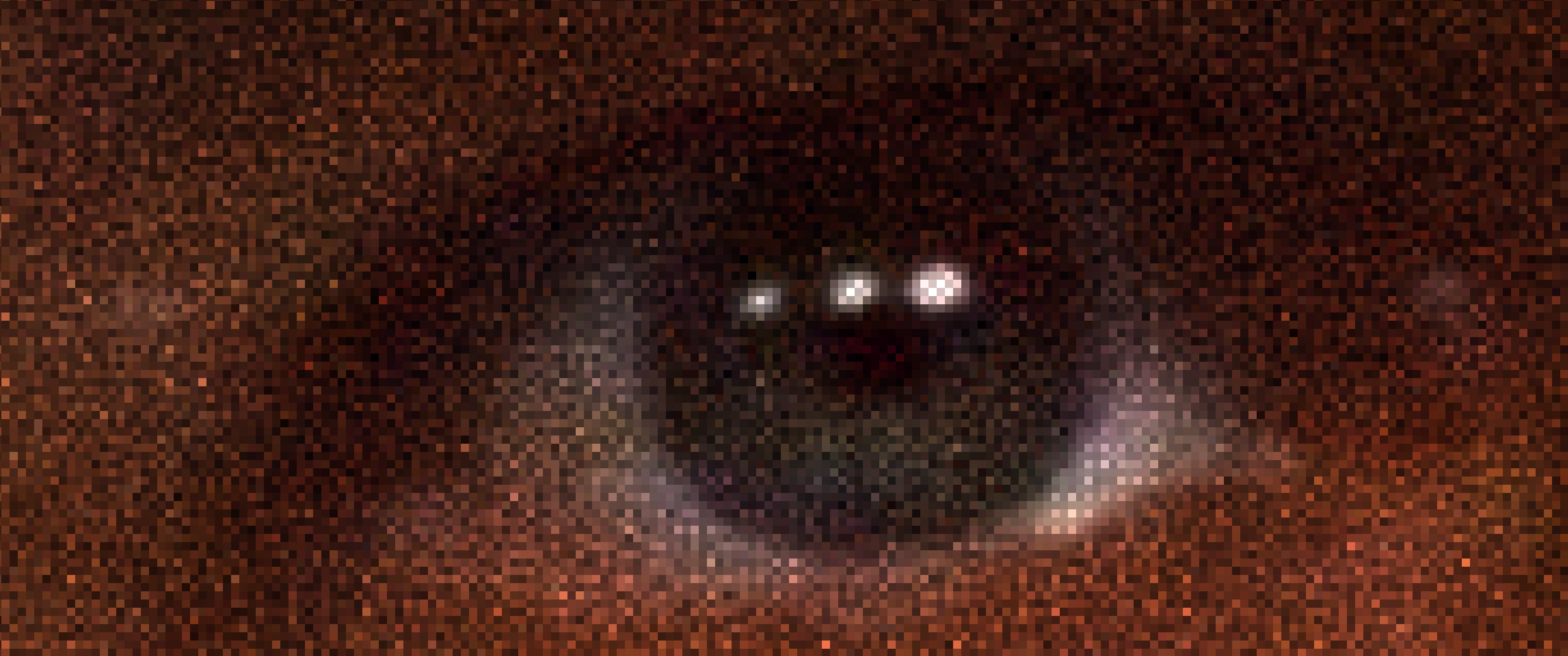
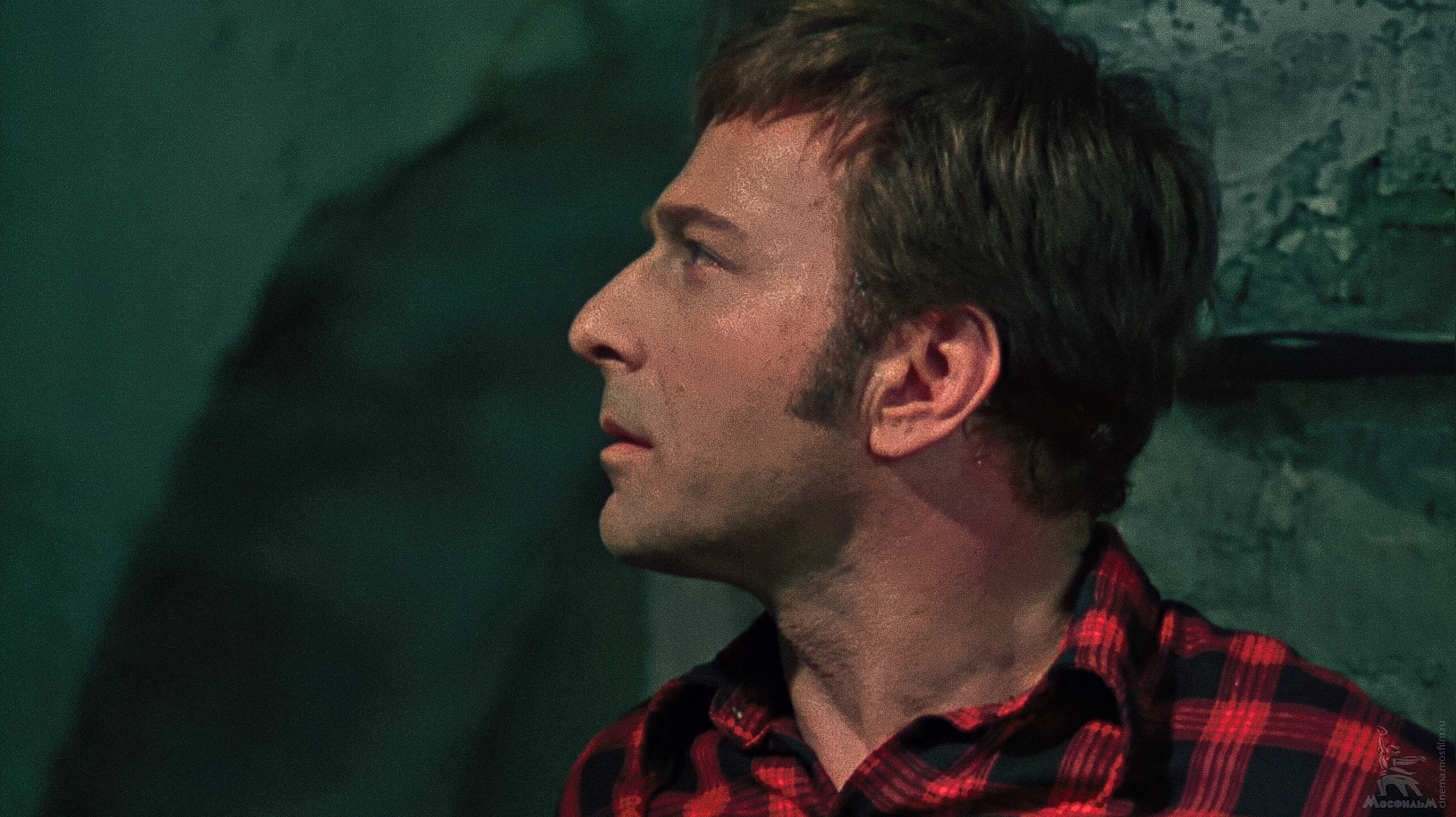
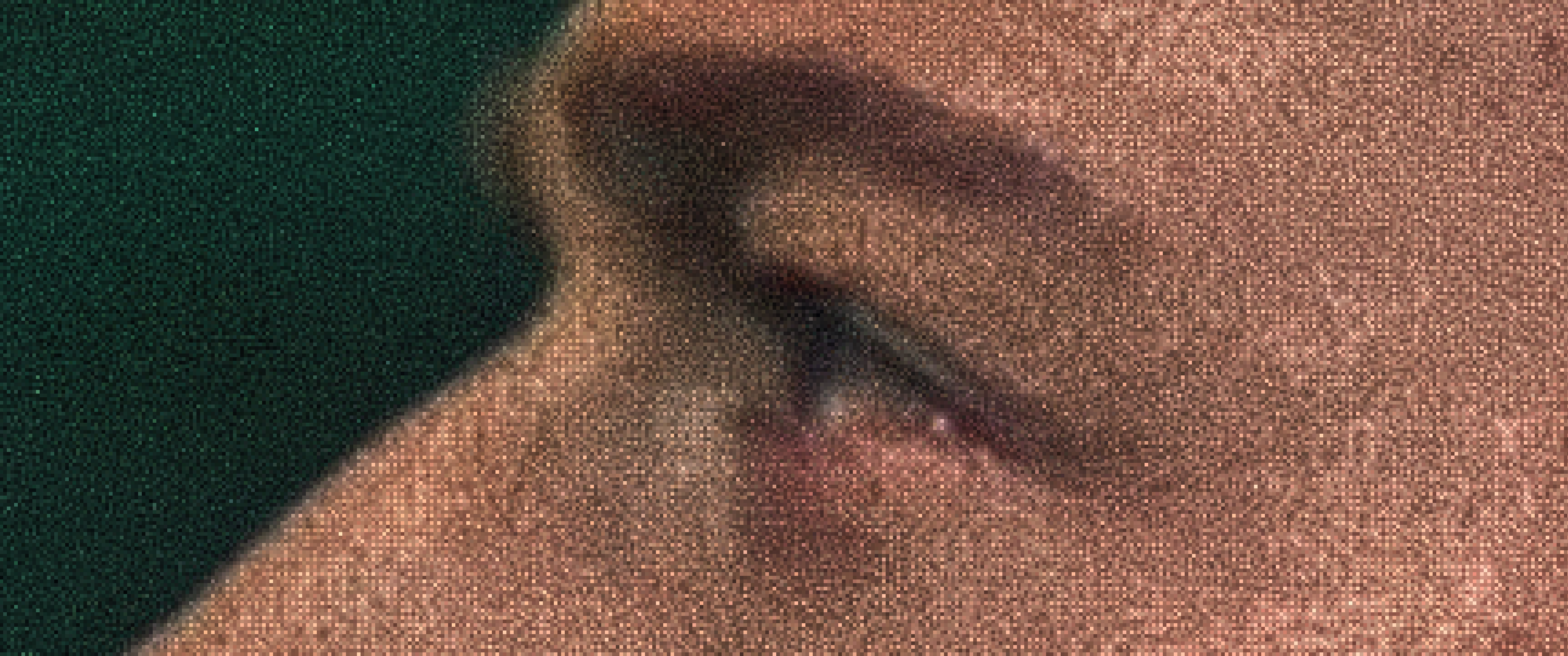
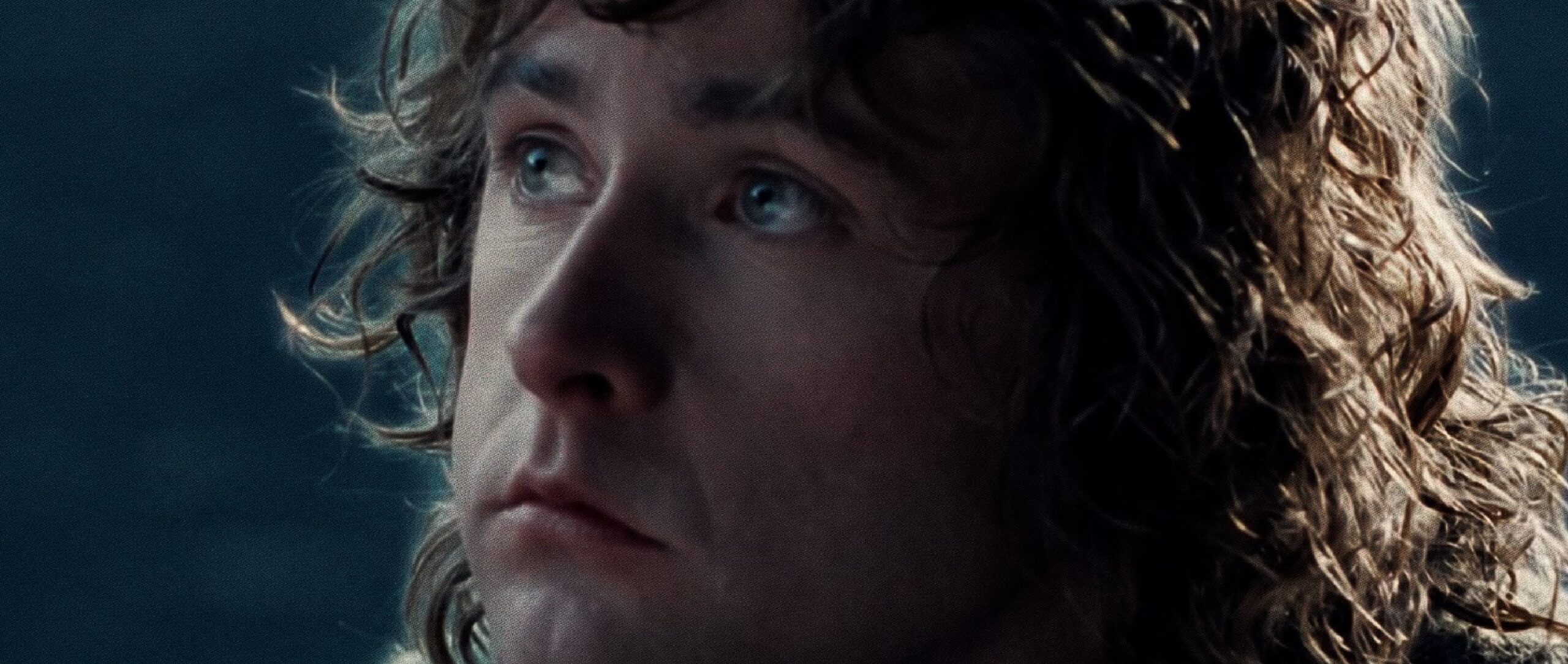
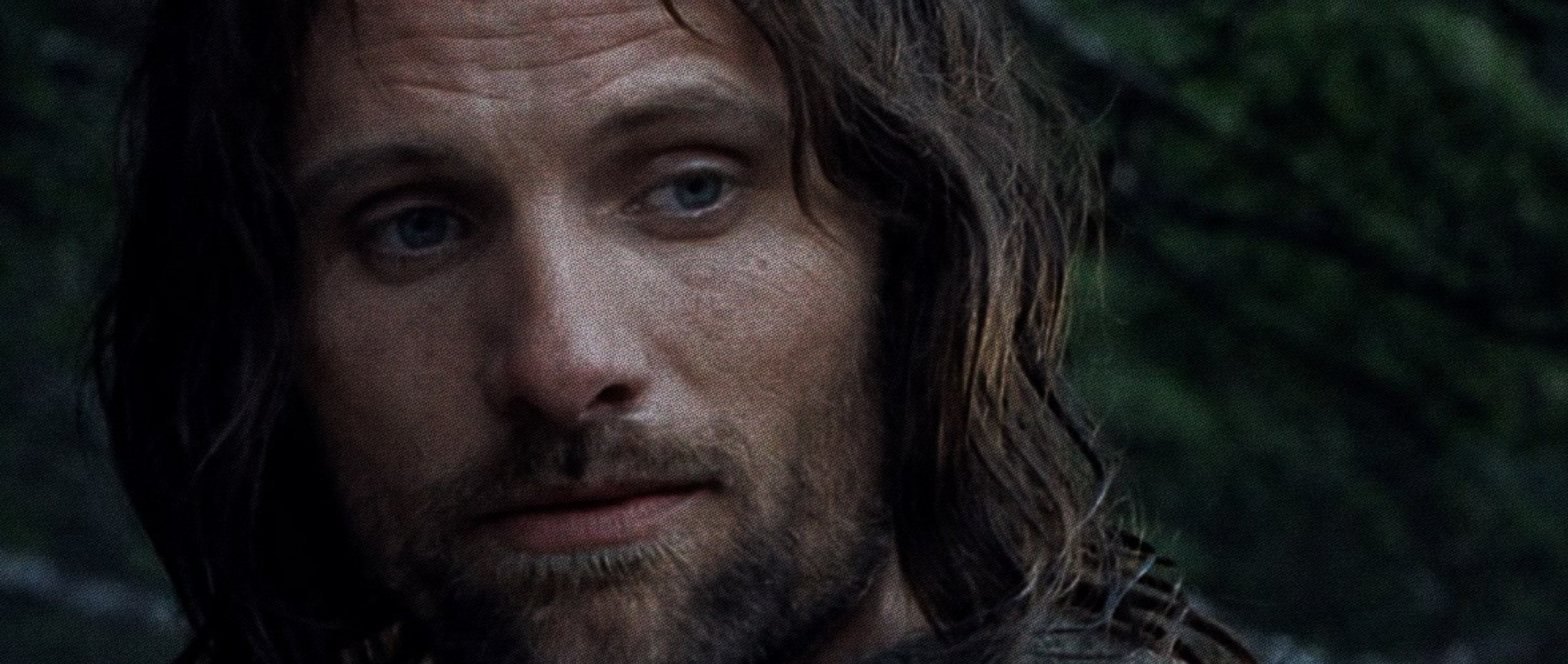
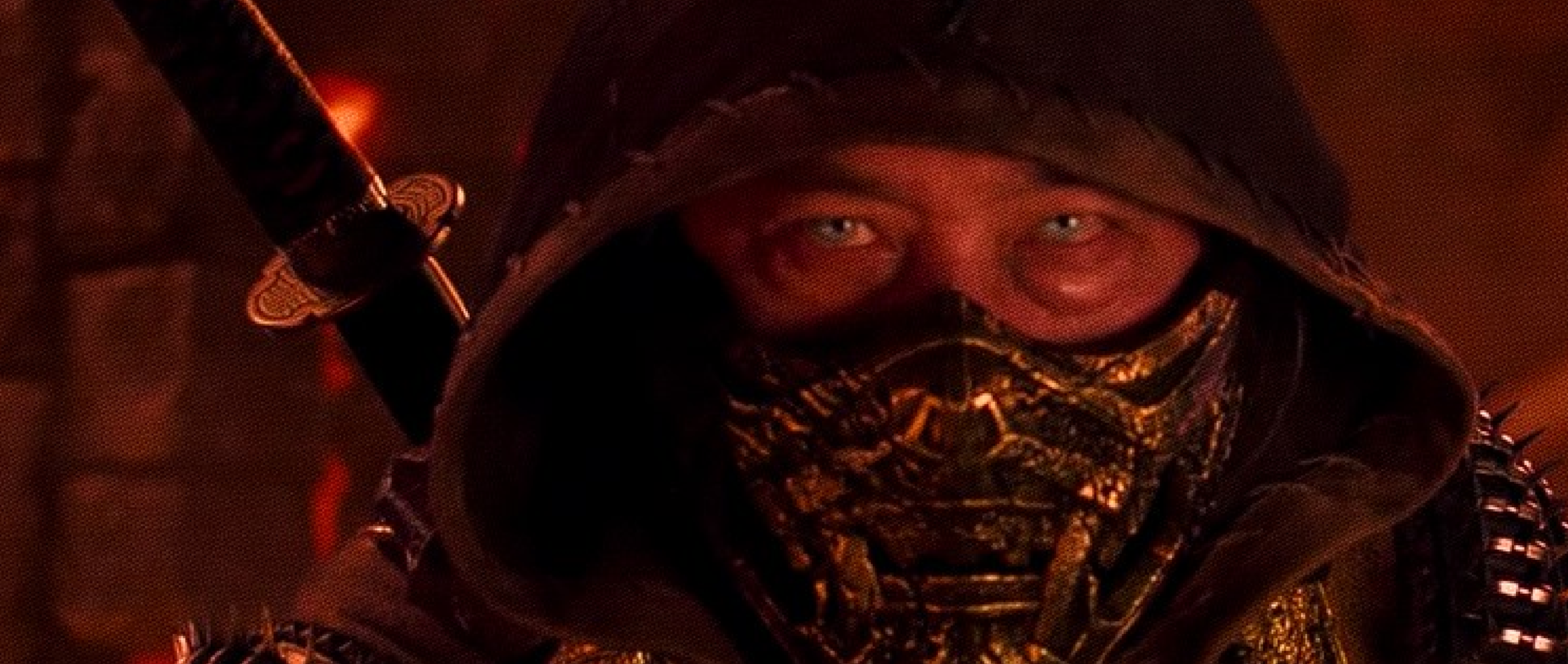
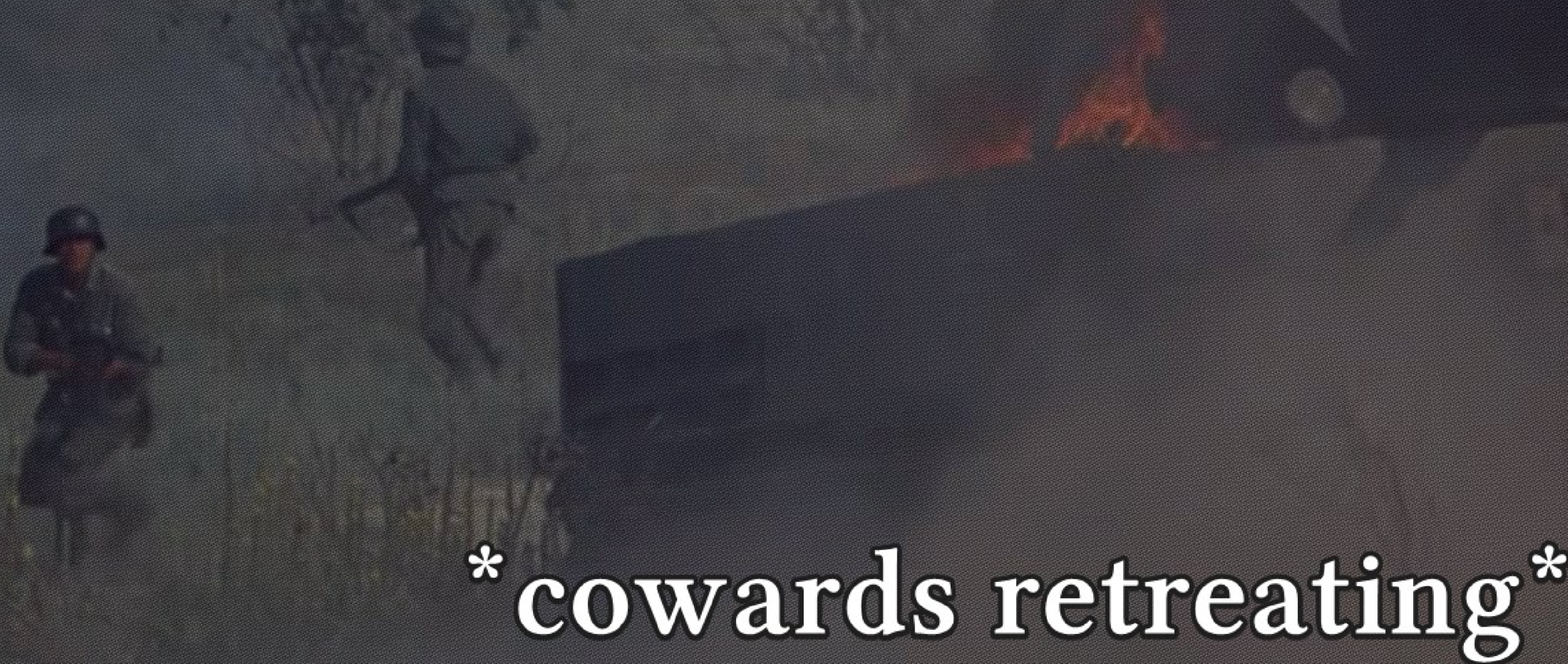
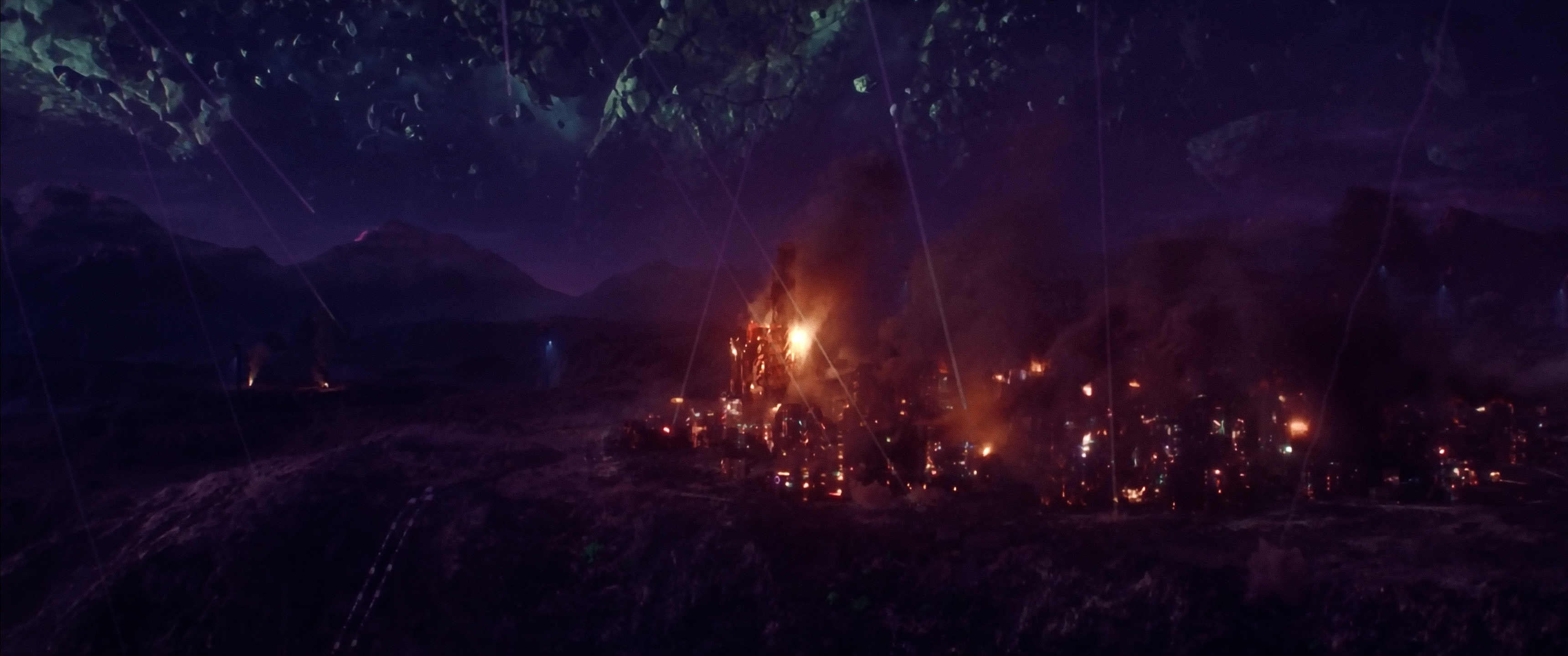
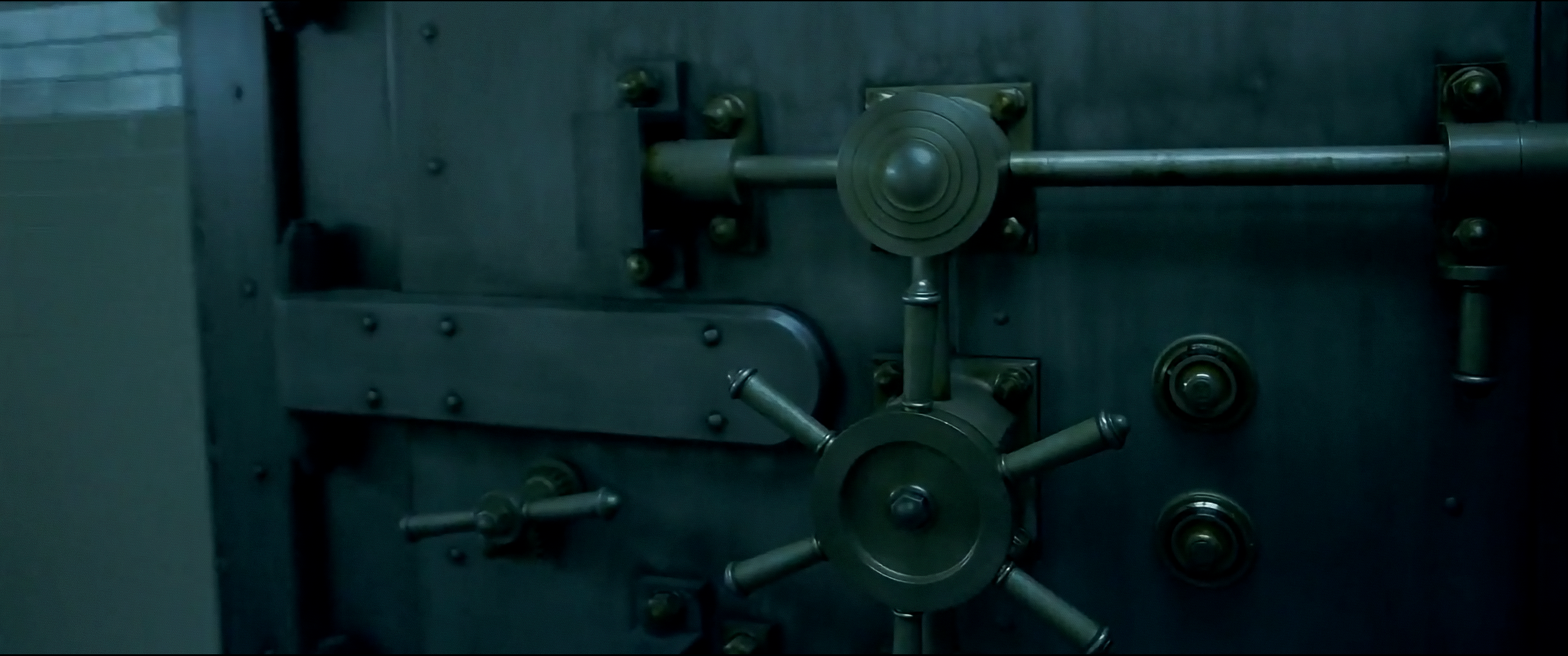
Examples from various stages of tweaking LightSight:

~~~~~~~~~~~